






























.jpeg)































































How to change your surname in Aadhar card; Know this is the step-by-step process
How to Change in Aadhar Process: Aadhar card is linked to our identity. In today's time, it is not possible to do any work without it. Aadhar card document is used for every small and big work. Today we will know how to do it if the name has to be changed in the Aadhar card after marriage. Let's understand its complete process.


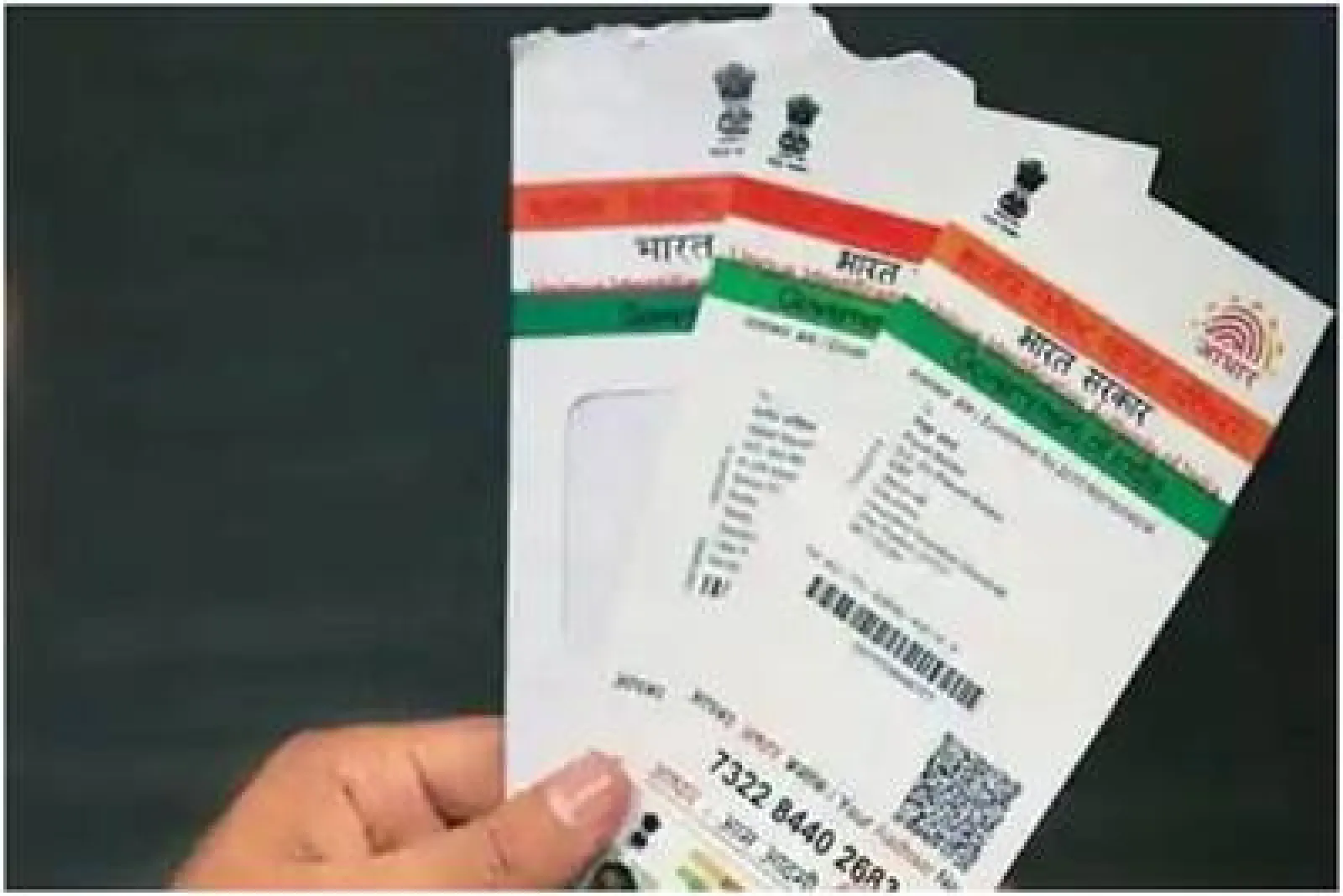


Today, everyone from a child to an elderly person has an Aadhar card. It is not just an important document. Rather, it has become the identity of being an Indian. Therefore, it is considered a very important document. Without it, no small or big work can be completed.
According to the rules, the name can be changed up to two times in the Aadhar card. If you have recently got married and want to change your surname, then you can do this work sitting at home. For this, you will just need a mobile phone and internet service.
Keep in mind that it allows changing the name only up to two times. So avoid any kind of mistake. Let's see its complete process step by step now:
- Step 1- First of all you have to go to the official website of UIDAI.
- Step 2- Then go to the option of My Aadhaar here and enter your Aadhaar number and OTP and login.
- Step 3- After which you will get the option of Update Aadhaar here.
- Step 4- Then here you will get the option of Name Update. Click on it.
- Step 5- Now submit the requested details and documents like marriage certification.
- Step 6- After which you must pay a non-refundable fee of Rs 50. Non-refundable means
- you will not get this money back.
- Step 7- Finally review the details and documents entered and click on the submit button.
Along with this, carefully note down the SRN number i.e. Service Request Number on a paper. This number will help you to check the status later. Here status check means that you can find out when the new information entered by you will be shown in the Aadhaar card.