































.jpeg)


































































What Is e-Aadhaar and How to Download It: A Complete Step-by-Step Guide
This article highlights the importance, download process, and uses of e-Aadhaar. E-Aadhaar is a digital, PDF version of the Aadhaar card issued by the UIDAI, which is valid as proof of identity and address. It can be stored securely on mobile phones and laptops and used for services such as banking, SIM activation, travel booking, and KYC. It can be easily downloaded from the UIDAI website using an OTP.


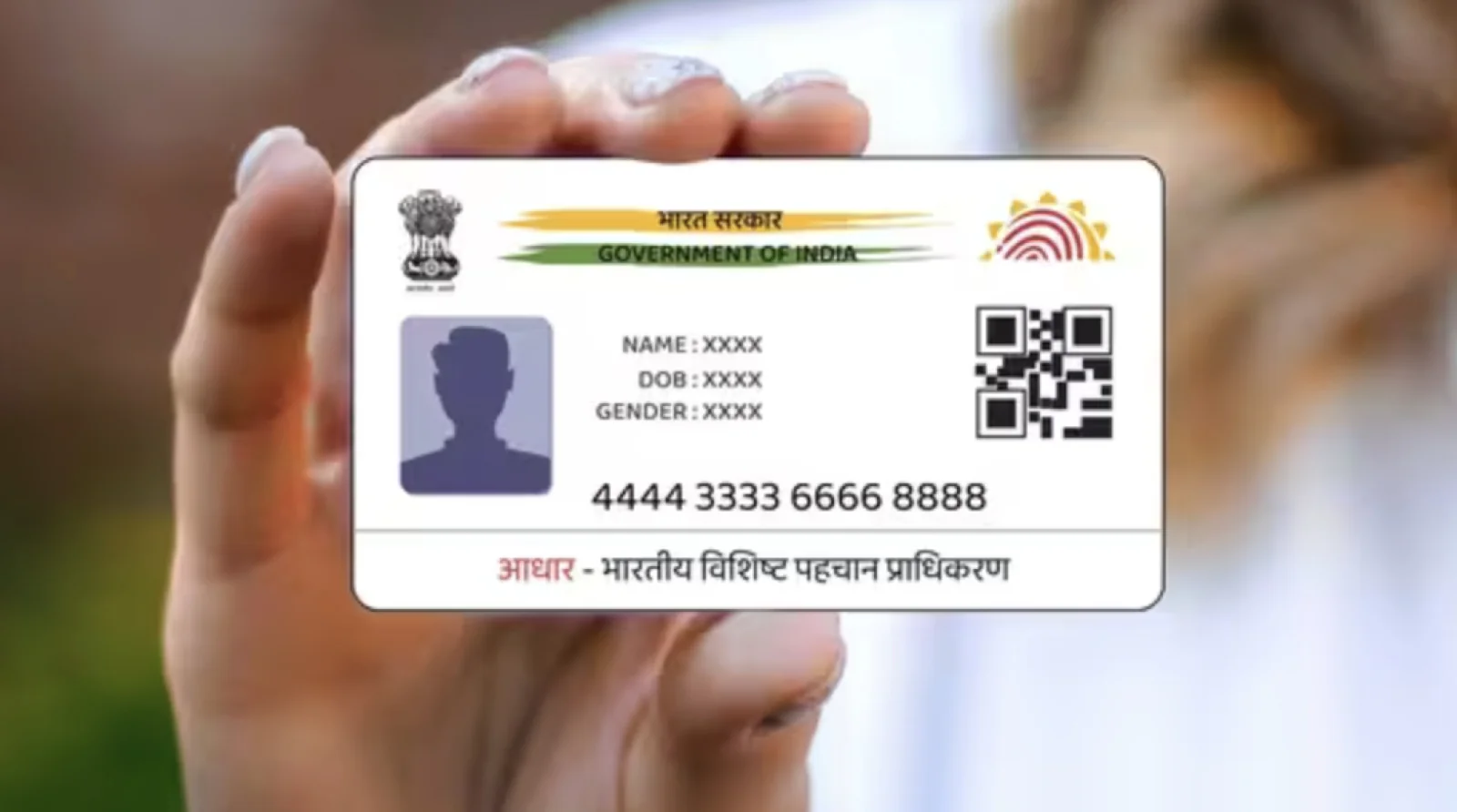


In the era of Digital India, the need to carry physical copies of important documents is gradually decreasing. The Aadhaar card, used as proof of identity and address, is now available in a fully digital format, called e-Aadhaar. Issued by the Unique Identification Authority of India (UIDAI), the e-Aadhaar is a secure electronic document that can be saved on your mobile phone, laptop, or tablet.
In simple words, "e-Aadhaar" refers to the digital/PDF version of the Aadhaar card that has been provided to you by UIDAI. An e-Aadhaar contains the Aadhaar number, name, date of birth, address, photo, and most importantly, the secure QR code that makes the verification process extremely simple and swift for you. E-Aadhaar has the same authority as that of the Aadhaar card and holds the same value as the physical card itself.
Your e-Aadhaar card can be used in various places. With the help of the e-Aadhaar card, you can open a bank account, get a government scheme, purchase a mobile SIM card, book a hotel or airline ticket, or use the card for any KYC process.
E-Aadhaar can not only simplify many of your government tasks, but it can also be accepted as proof of identity for services like banking, SIM card activation, travel ticket booking, and KYC verification. Let's first understand what e-Aadhaar is and how to download it.