


























.jpeg)























































Samsung’s New AI Privacy Display Will Hide Your Screen From Side Viewers
The Samsung Galaxy S26 series has not yet been officially announced. However, it has been reported that the Samsung Galaxy S26 Ultra variant of this alleged series may launch with an AI-powered Privacy Screen feature. This feature was revealed through the One UI 8.5 beta. Let's learn more about it.


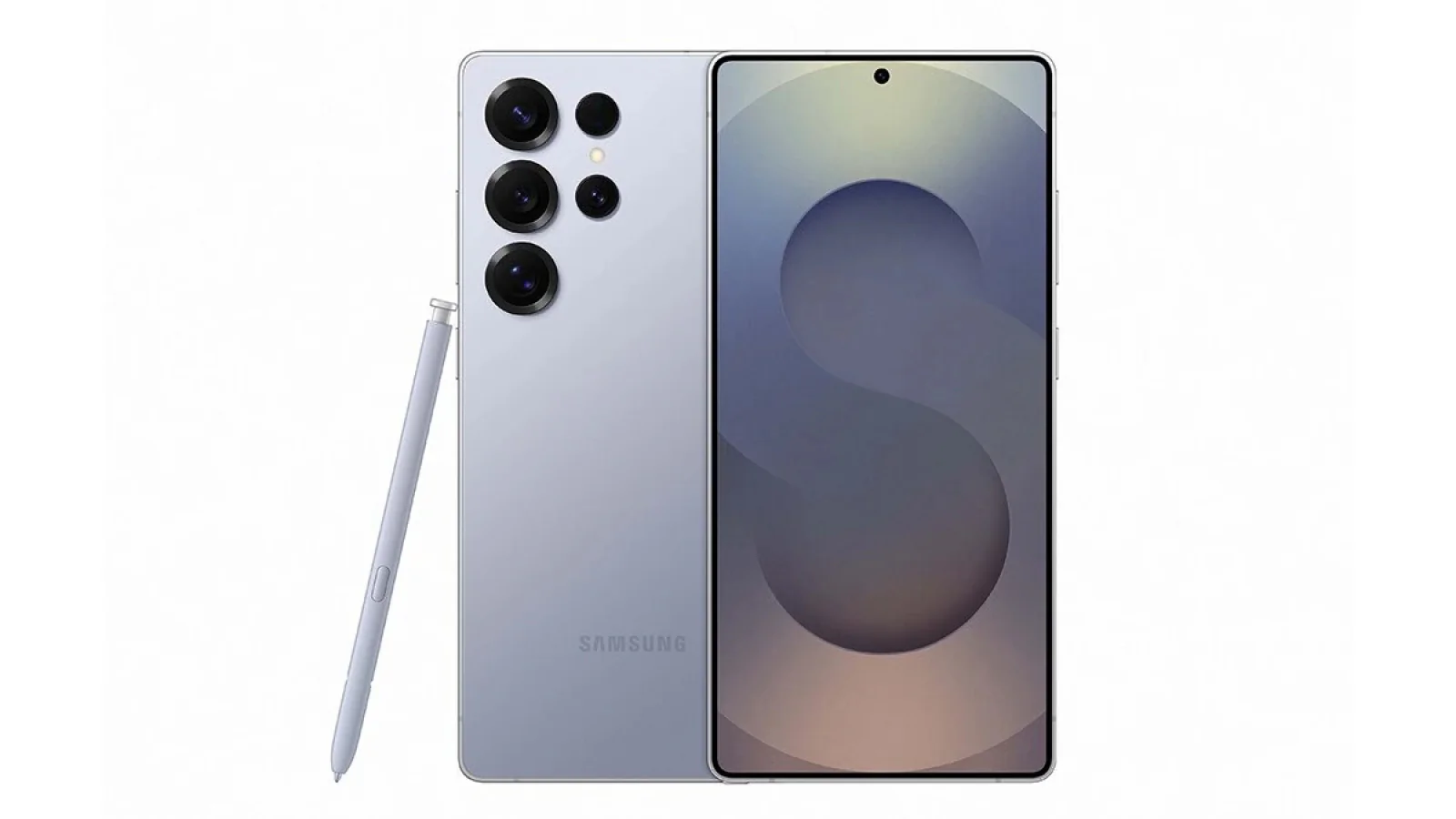

The rumored Samsung Galaxy S26 Ultra is set to feature an AI-enhanced Privacy Screen, with more details now uncovered through the One UI 8.5 beta. Named Privacy Display, this feature is listed in the Tips app within the latest beta firmware. It aims to enhance user privacy by making the screen less visible from side angles. When enabled, the display may appear dimmer or darker from an angle, making it harder for others nearby to see what's on your screen. Recently, SamMobile detected the Privacy Display in the Samsung Tips app in the One UI 8.5 beta build, confirming its ability to reduce side-angle visibility by darkening the screen and safeguarding your content.
According to reports, the Privacy Display feature can be enabled from the Settings app or via a toggle in the Quick Panel. Users can also automate this feature by integrating with Samsung's Modes and Routines apps and setting specific conditions in the "Conditions for Turning On" section. This will automatically activate the feature based on the user's location.
The upcoming privacy display will require Samsung Display's Flex Magic Pixel technology and may not be available on all Galaxy S26 models. It's unclear whether this feature will be limited to the flagship Galaxy S26 Ultra model or will be available across the entire lineup.
The Galaxy S26 Ultra's AI-powered privacy feature was first mentioned a few months ago. The Samsung Galaxy S26 Ultra is expected to launch in February alongside the standard and Plus variants.