






























.jpeg)





































































UIDAI allows Aadhaar mobile and email verification via myAadhaar portal
Aadhaar has now become a crucial 12-digit identifier for essential financial services like bank accounts, PAN, and insurance. To simplify management, the UIDAI website offers robust digital tools that allow users to update their address, verify their identity number, and easily confirm the mobile number and email ID associated with their profile online. Let's learn how.


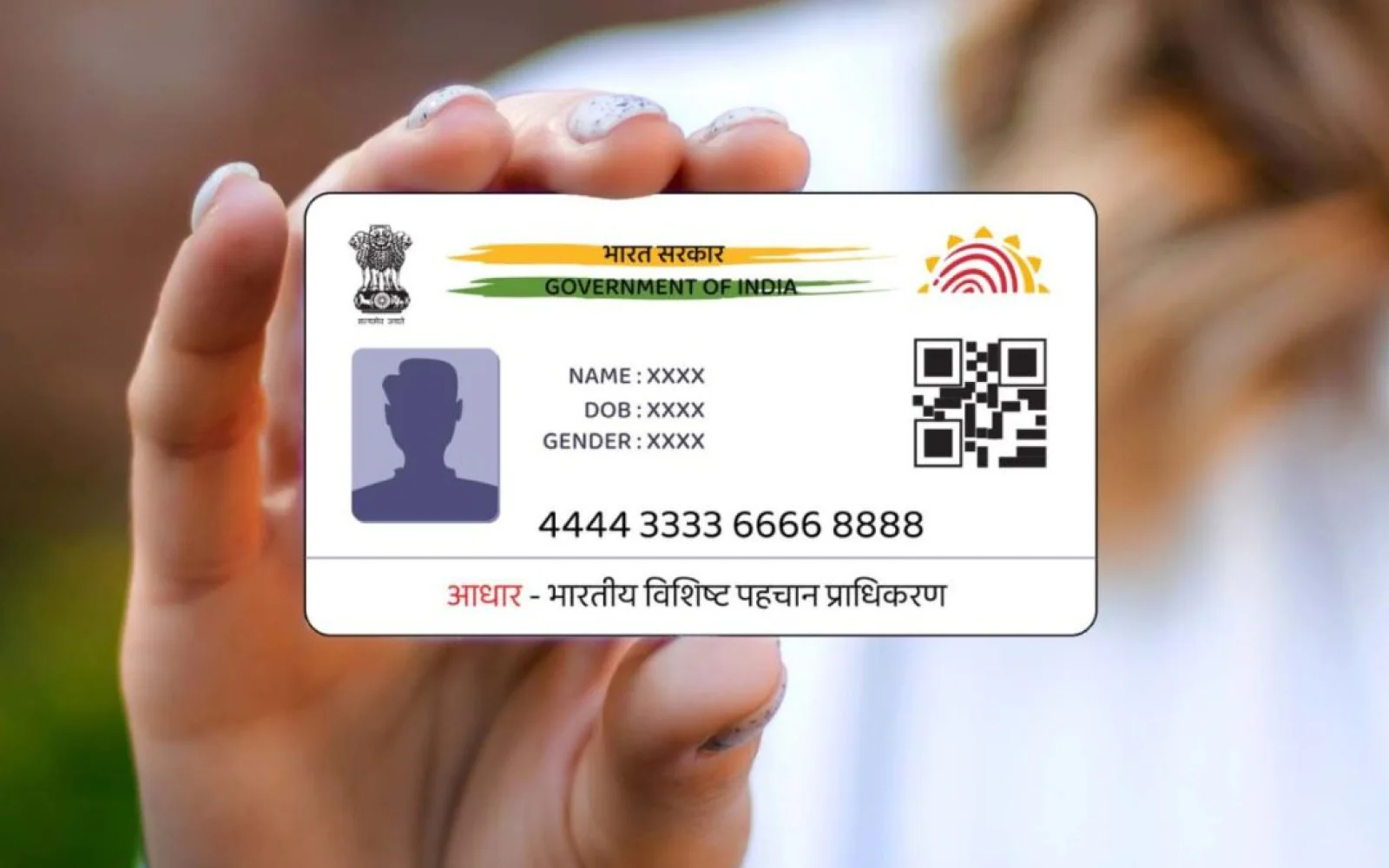


The 12-digit identification number of Aadhaar can be helpful for various important purposes in India. It has become mandatory to link our Aadhaar with various financial instruments such as bank accounts, PAN cards, mutual funds, PPF accounts, and insurance policies. UIDAI provides various tools and services on its official website to enable individuals to access their Aadhaar details.
These services cover updating addresses, verifying Aadhaar numbers, etc. Moreover, the website enables Aadhaar cardholders to verify their mobile number and email ID associated with their Aadhaar account through an online facility. If you want to verify the mobile number and email ID associated with your Aadhaar card as well, follow the steps given below.
Follow this method:
- Open the myaadhaar.uidai.gov.in website.
- Now scroll down and click on the 'Verify Email/Mobile' option.
- To verify your mobile number, enter your Aadhaar number and phone number along with the captcha code and click Proceed.
- If you want to verify your email address, enter your email address along with your Aadhaar card number.
Besides, you can do many other things using the myAadhaar portal. The portal can be used.
Would you like to receive news updates on WhatsApp?
Chat on WhatsApp