



























.jpeg)

























































Now Transfer Chat History: ChatGPT Memories Can Be Imported into Gemini
One of the challenges when interacting with AI chatbots is that different chatbots don't remember your conversation memory. To address this, Google has introduced a memory import feature in Gemini. However, it's reportedly in beta.


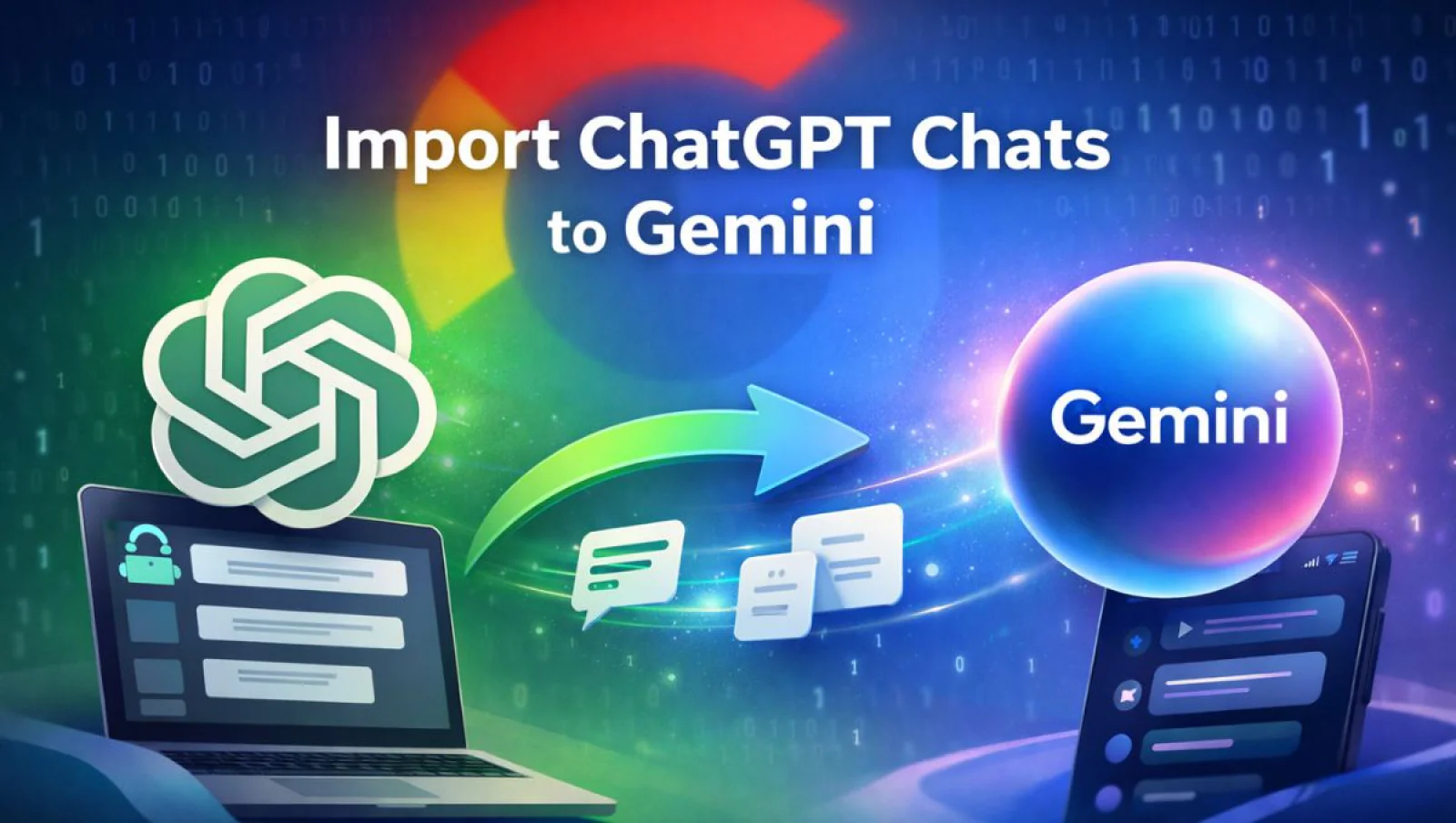

In the race of AI chatbots, the most benefited individuals are the users. They have the option to switch between the chatbots, which helps them make the best use of the chatbots. However, the major problem still lies in the memory section. If you frequently use the chatbots, it starts to recognize you better and provides the results according to your needs. In order to solve this problem, many AI companies are introducing the option of ‘memory import prompts’ in their chatbots. Recently, Google has introduced this option in their Gemini chatbots. Here's how you can easily import the memories of ChatGPT into Google Gemini.
If you are not aware of this option, don’t worry-it's not too complicated. It's quite simple. On one hand, you have an AI chatbot that gives you an 'export prompt'; all you have to do is paste that prompt into the chatbot whose memories you want to extract.
As soon as you enter this command, the source chatbot memorizes all your previous conversations and creates a file or text document for the chatbot you want to import the memories into. Now, when you switch to another chatbot, you can simply copy and paste that output. By doing so, all your previous information will be imported into the new chatbot's memories.
Before Google, Claude from Anthropic also started providing support for this feature. However, some reports also suggest that Google is working on a feature that will allow users to import all their chats from multiple AI chatbots into Gemini at once. However, it's not yet clear when this feature will arrive.