





























.jpeg)


























































Google Translate Gets AI Upgrade With Live Translate, Language Practice Features
Google Translate is now getting smarter with AI. The company has added two new features to it. The first is Live Translate, which will allow people speaking different languages to talk to each other easily. The second is the Practice feature, which will help users learn and practice new languages. This update is rolling out on Android and iOS in India, Mexico and the US.


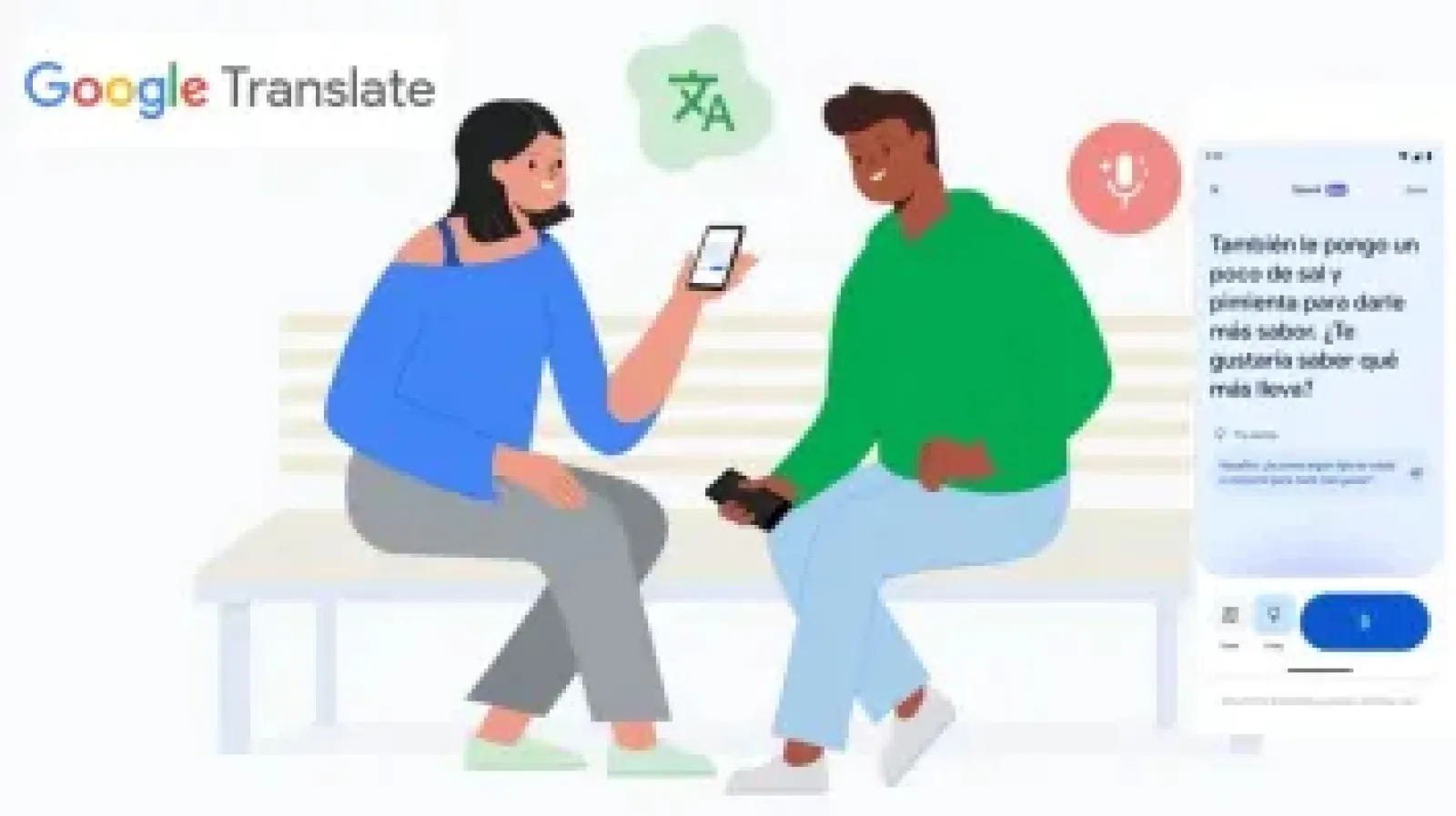

Google Translate is now receiving an Artificial Intelligence (AI) update with two new utility features added. As of now, this app of the Mountain View-based tech firm enabled users to copy-paste or type and receive instant translation in a vast array of languages. Now the company is introducing two new features with its Gemini AI models - a Live Translate feature that will enable two individuals who speak different languages to communicate and a Practice Language feature that will enable users to learn new languages, just like applications such as Duolingo.
In a blog entry, the technology firm outlined two features arriving at the Google Translate app, which will be live on both Android and iOS in India, Mexico, and the US. The first feature is Live Translate which will let users converse with people speaking a different native language.
After opening the Translate app, users will now see a new icon labeled 'Live Translate' at the bottom left side of the interface. Tapping on it will open a new page where users can set up two languages. Then, they can turn on the microphone and the app will start processing and transcribing the spoken text into the native language and the translated language.
There is a message bubble icon at the top of the interface, tapping on which opens a two-directional layout. This is helpful when two people are sitting face-to-face and still want to see the translation for a proper conversation. Google says that this feature uses AI to recognize conversational pauses, accents, and intonation.