






























.jpeg)





































































Instagram Update: Public Stories Can Be Shared Directly; Here’s How to Disable It
Instagram has introduced a new feature that allows users to share any public account's story to their own, whether they were tagged or not. Previously, this feature was only available through mentions. With this new feature, the original creator's username will be visible in reshared stories. Users can also turn off story sharing in their privacy settings.


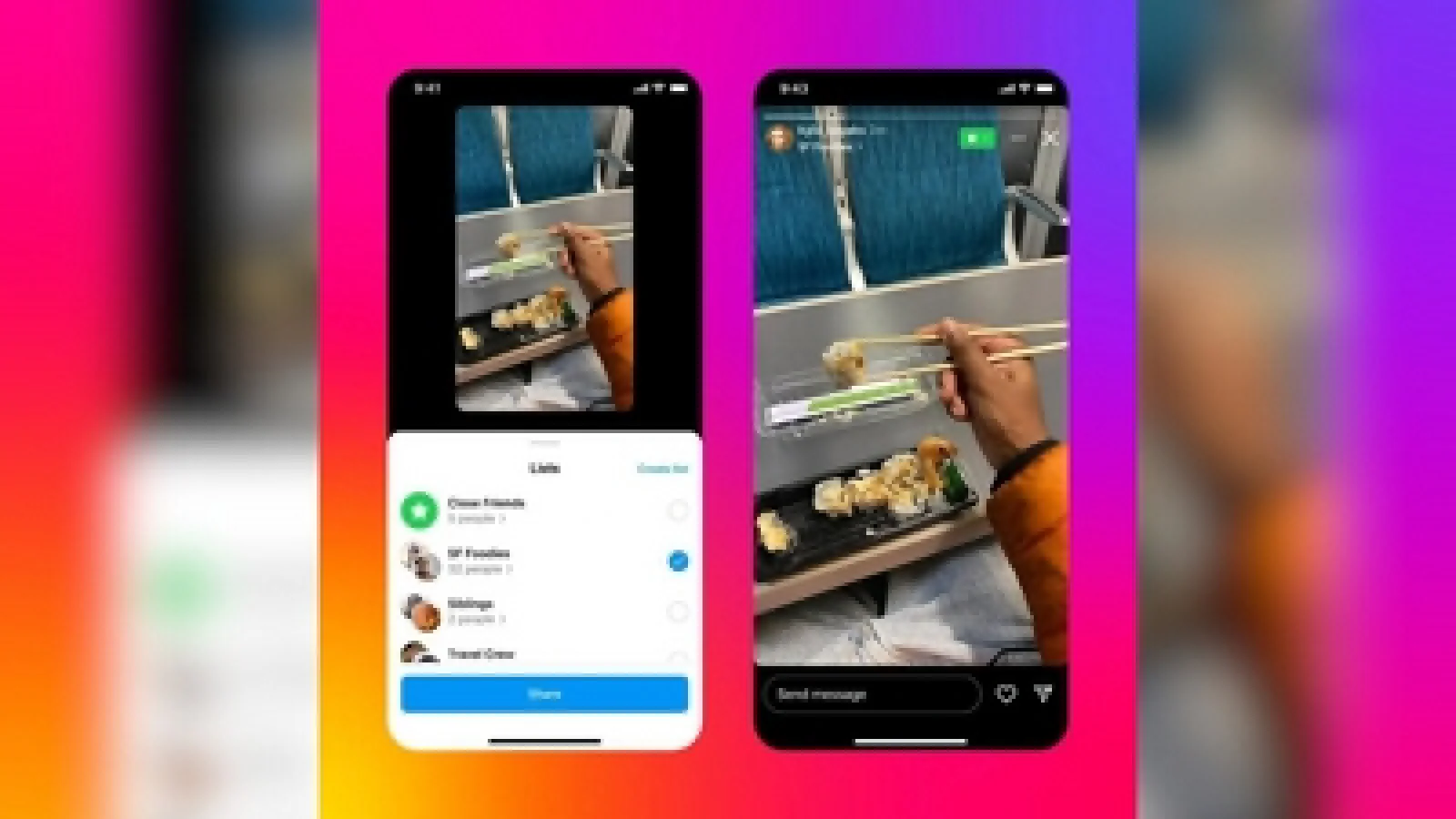


If you use Instagram a lot, then consider this to be good news. The company has introduced a significant change: you will now be able to share any public account's story to yours, even if you weren't tagged in that story. You will now have the relative ease of sharing someone else's story with yours.
Worth noticing is that, previously, this was only possible when the creator of a story mentioned some user by @-ing them. Resharing without mentions has been hard so far; some used to do it with screenshots or screen recordings, which degraded the quality and didn't allow proper attribution. This new feature, though, made this task way easier.
In simple terms, this feature is available for public profiles. This means that only stories from public accounts can be reshared. Stories from private accounts will remain secure. You'll now find an 'Add to Story' button within someone's story.
This will allow you to directly add the same story to your own. With this feature, the original creator's username will appear in the reshared story, leading directly to their profile.