































.jpeg)






























































How to Read WhatsApp Messages Without Blue Tick on Android The Widget Trick Explained
Millions of WhatsApp users can now read messages without appearing online or triggering the 'blue tick' indicator. This trick can be easily executed on Android smartphones using the WhatsApp widget.




Today, there are many users of WhatsApp all over India and across the globe. WhatsApp frequently introduces new features to make their app more convenient. However, there could be times when you might want to read your message without your friend being aware of it.
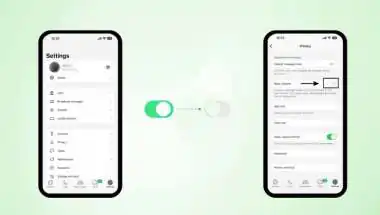
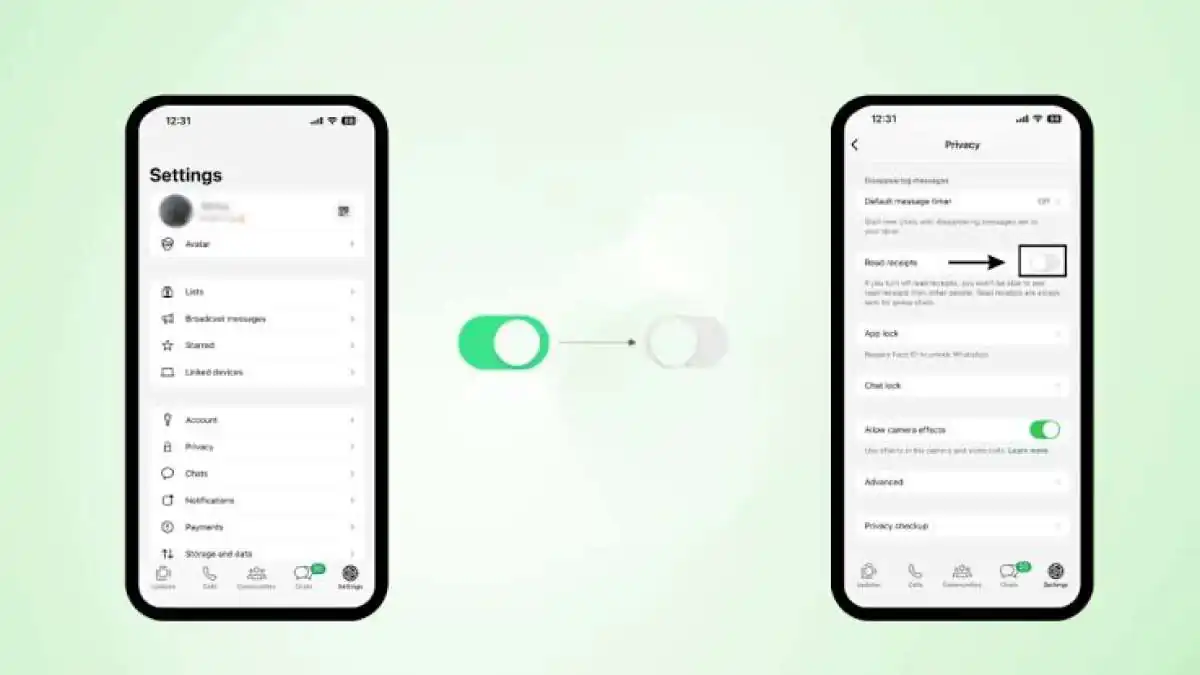
It is known that receiving a message puts a blue tick or makes you visible online to the sender. But on an Android phone, you could read WhatsApp messages without being seen online by the other person. Yes, using this simple hack, you can read your message without letting your friend know about it. Here is how.
This hack does not require any third-party apps but can be performed using WhatsApp widgets. A widget will show you the incoming messages on your home screen without even opening the application. This trick is particularly useful for those who wish to read important messages while maintaining their privacy. Setting up the WhatsApp widget is quite simple; you can follow the steps outlined below:
- First, long-press (press and hold) on your phone's home screen for a few seconds.
- Next, select the 'Widgets' option from the menu that appears.
- From there, navigate to the widgets list and locate WhatsApp.
- Select the 4x2 widget and place it on your home screen.
- After this, new WhatsApp messages will appear directly on your home screen.